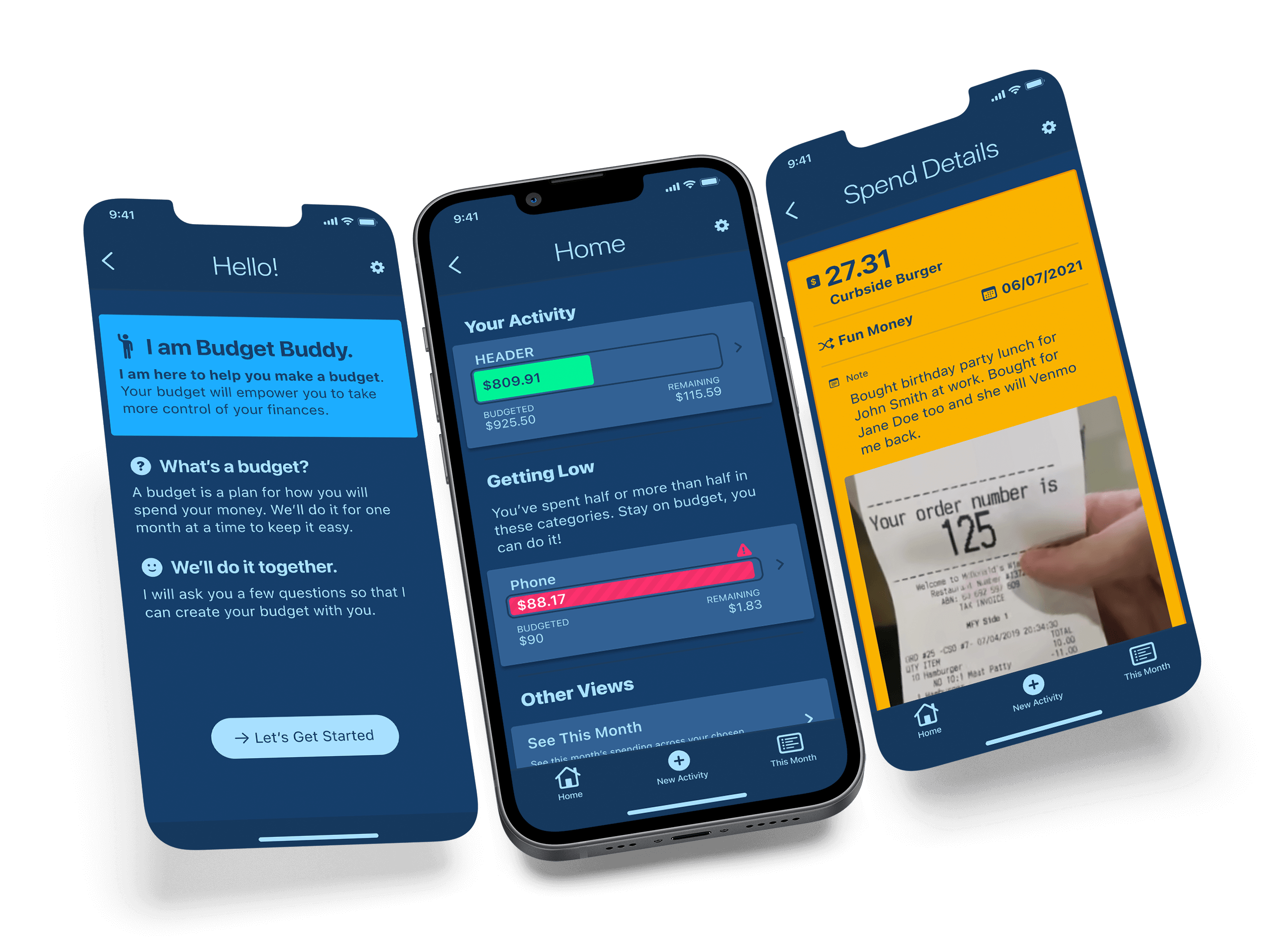
1 — Project Goal
Create a brand new budget mobile app to help people create and stick to a budget. The app will put all aspects of their budgets just a few taps away.
2 — Target Audience
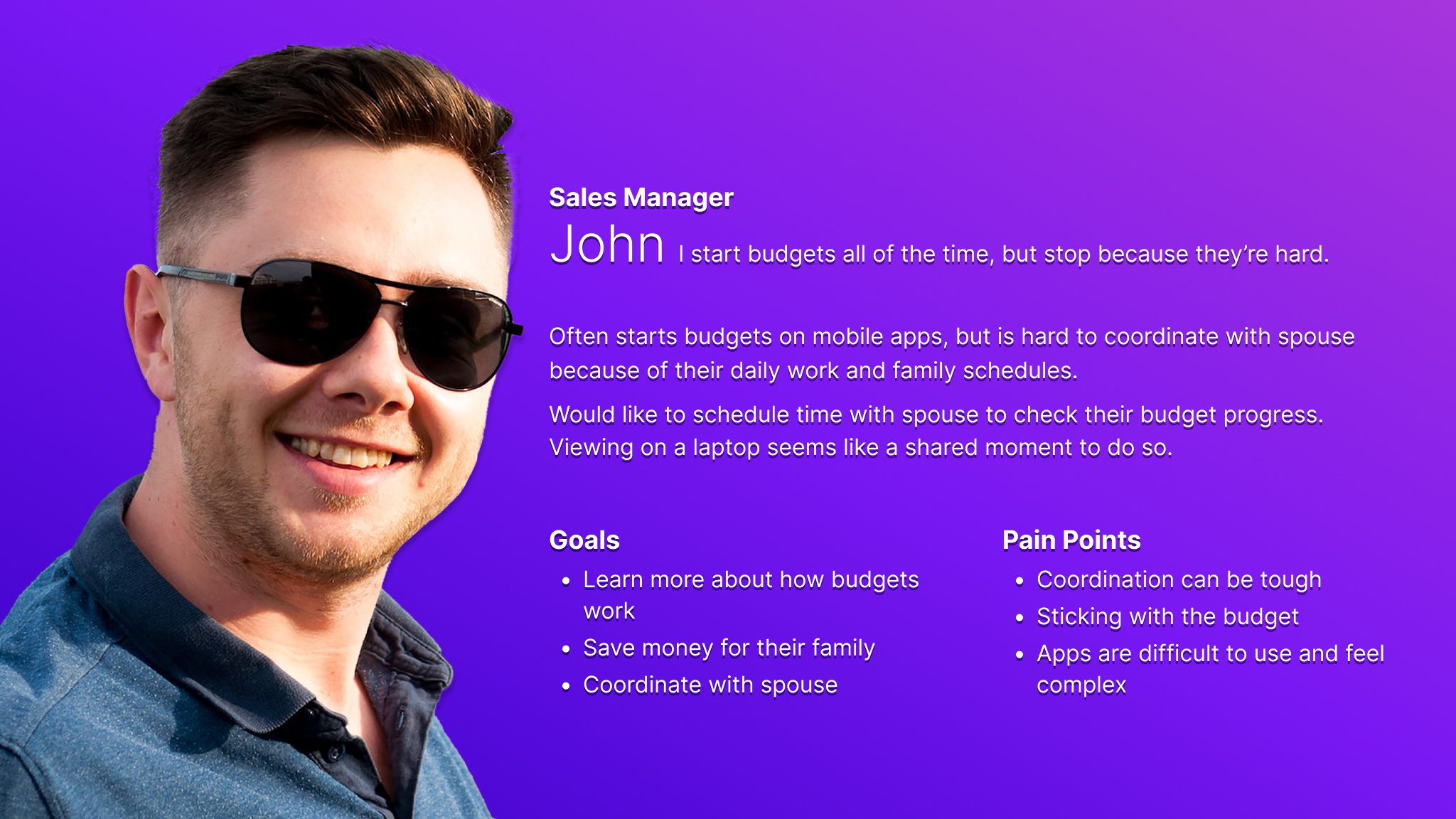
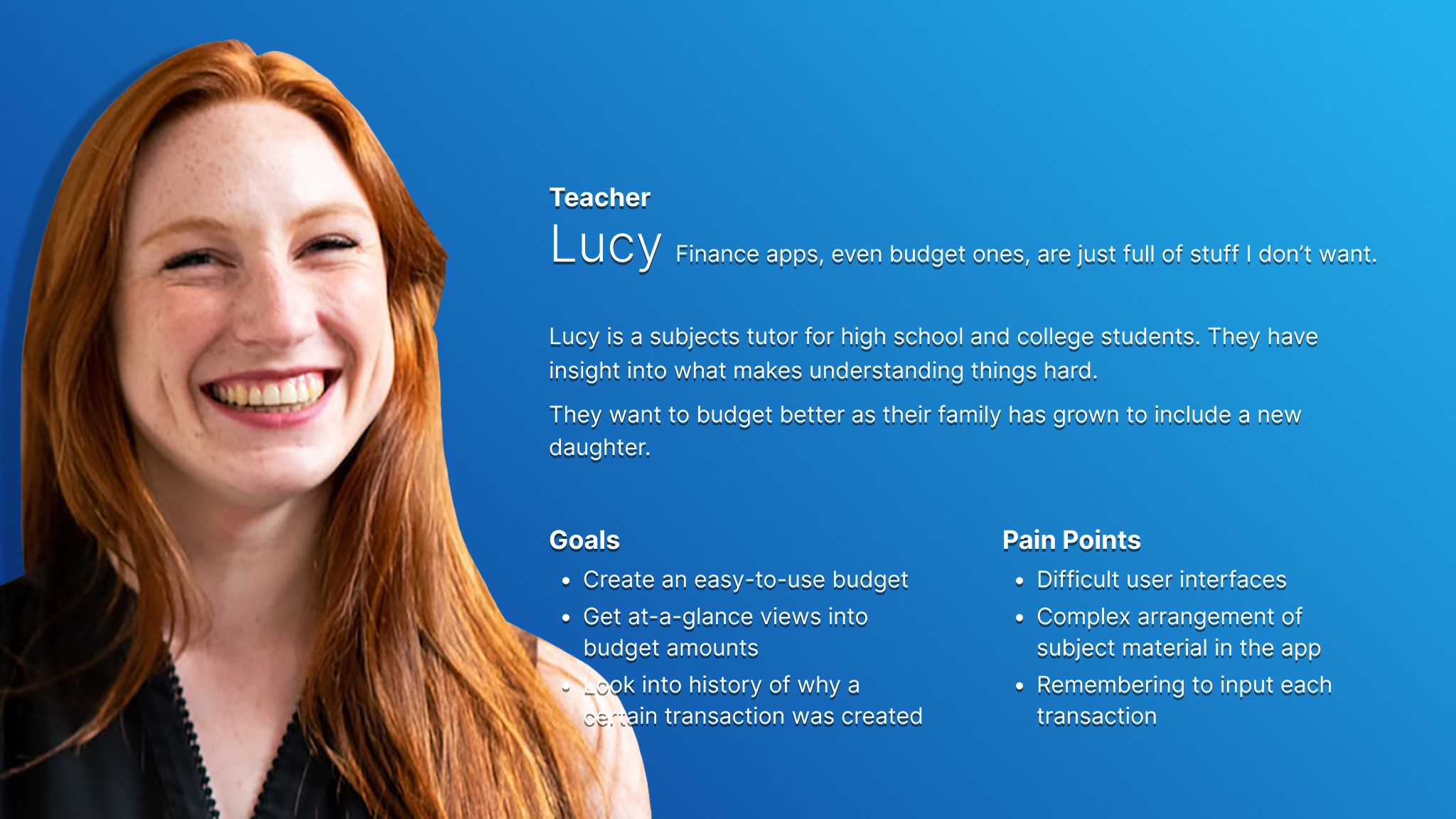
The primary audience is young adults and young professionals who have never used a budget before. The secondary audience is young adults who have tried budget apps but found them too complex.
3 — Research & Key Challenges
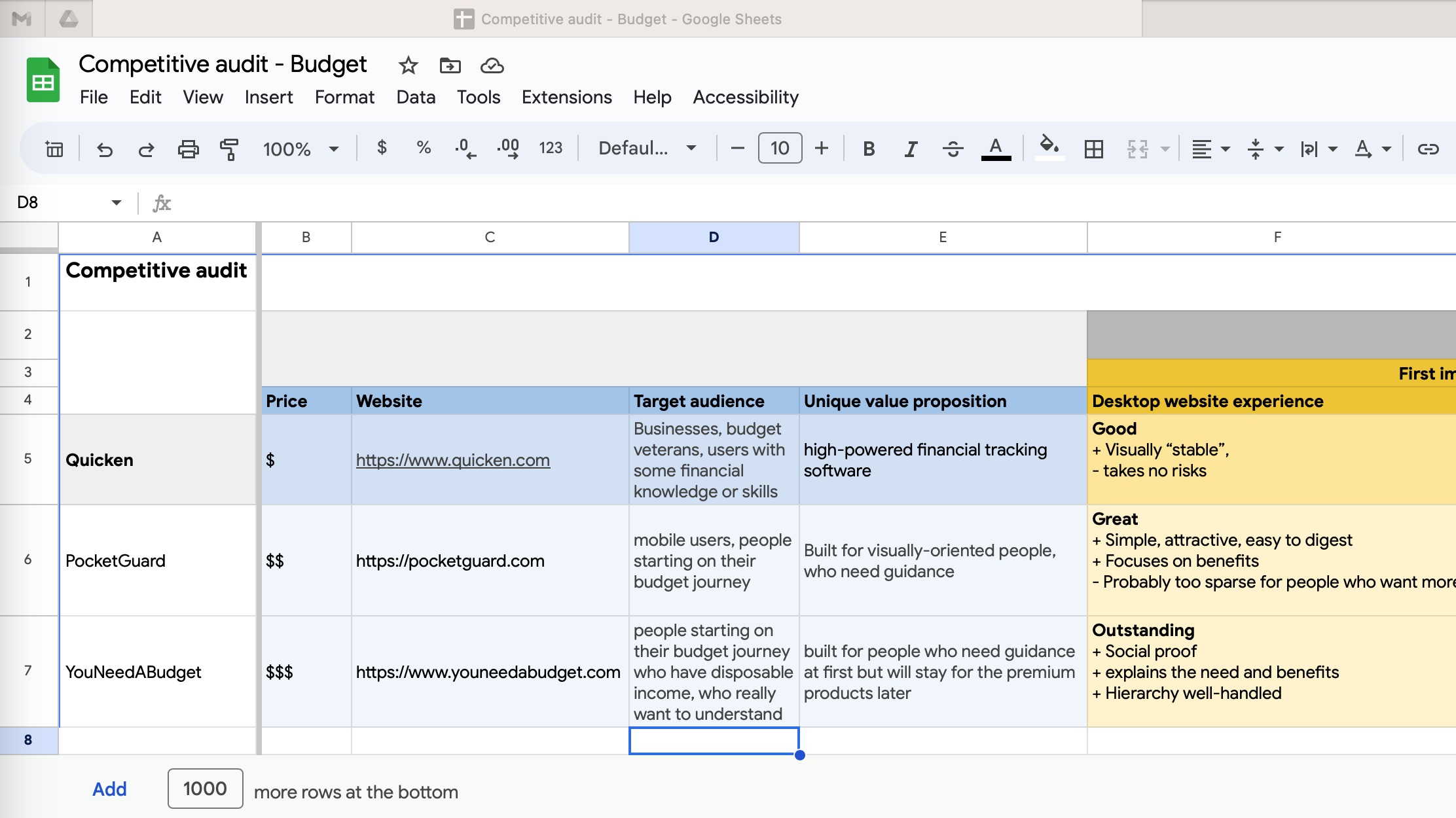
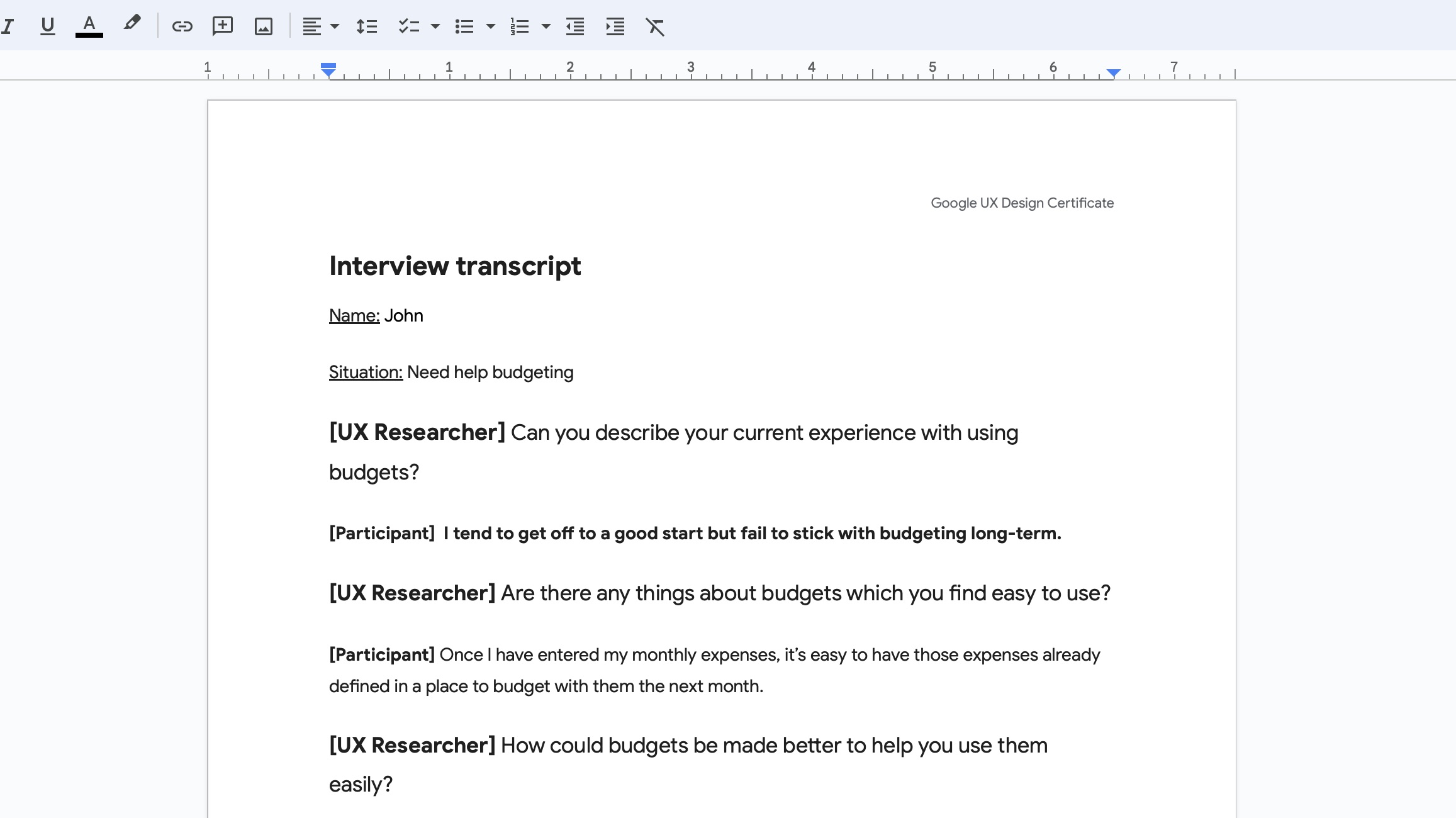
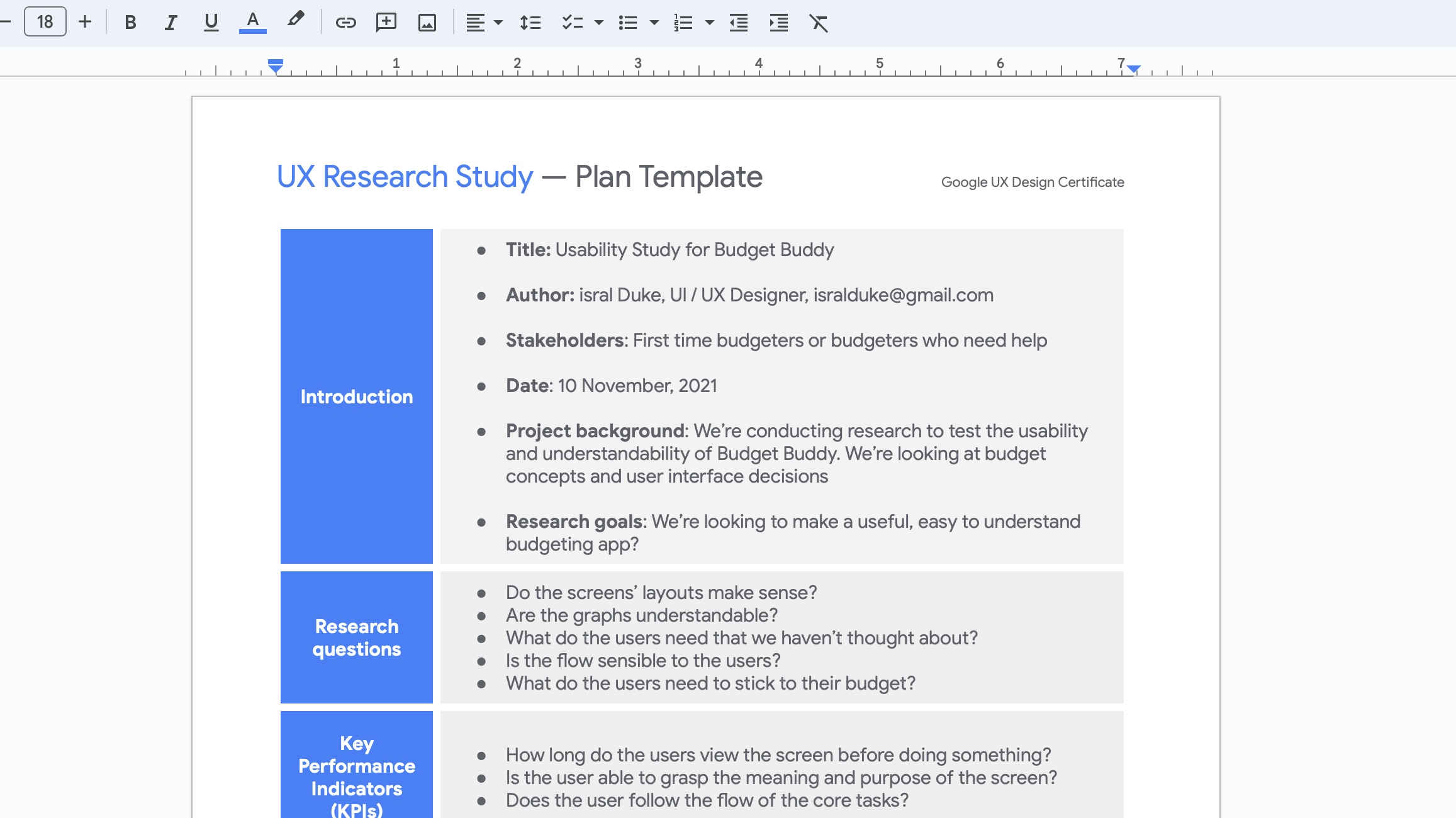
I used Google Docs questionnaires and remote interviews for a wide range of ages. The key challenges were to limit the features to just those which will educate first-time budgeters about budget concepts. The participants said that budget apps they tried were too complex so I kept the feature set limited.
4 — Initial Design Concepts & Wireframes
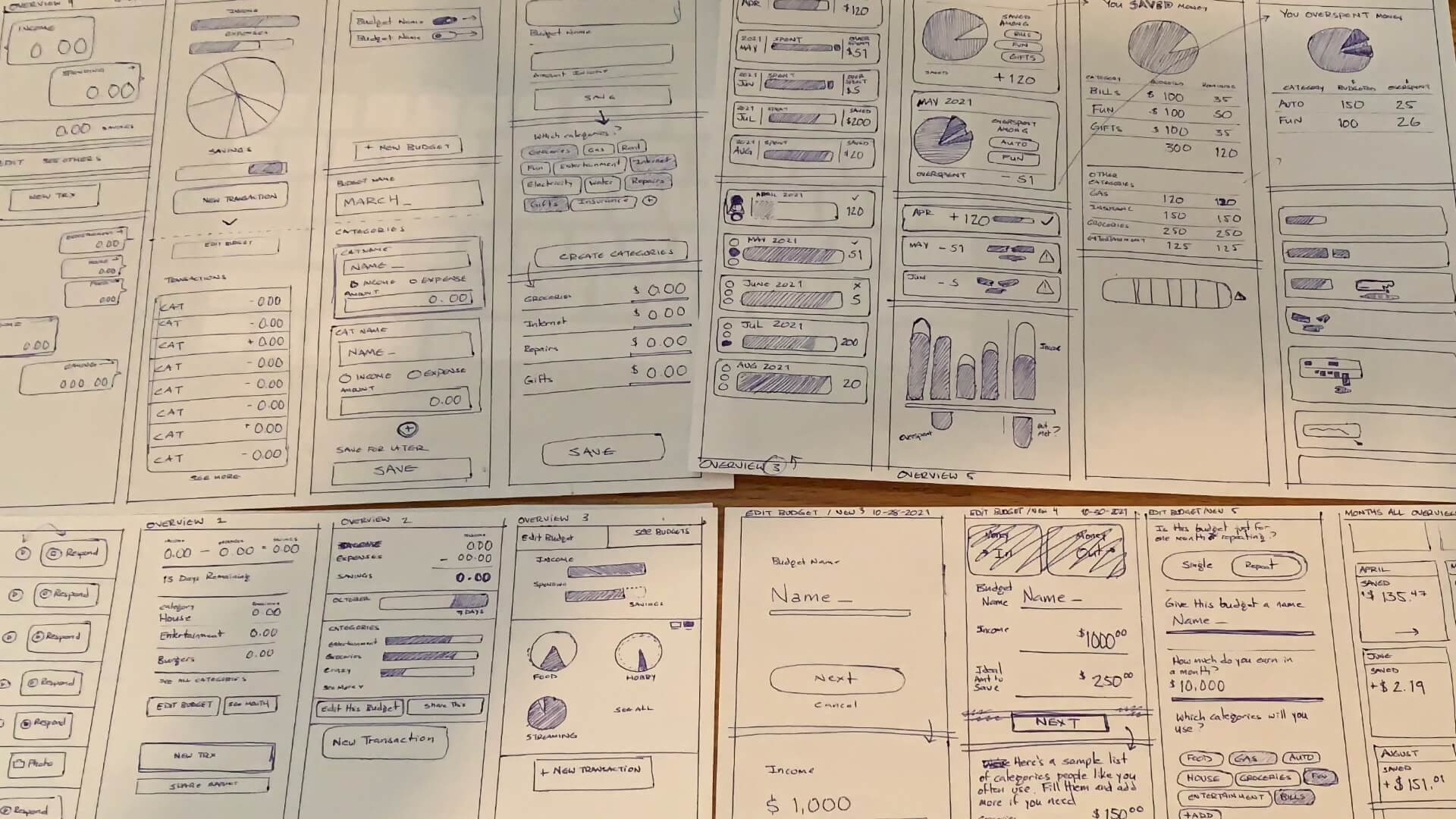
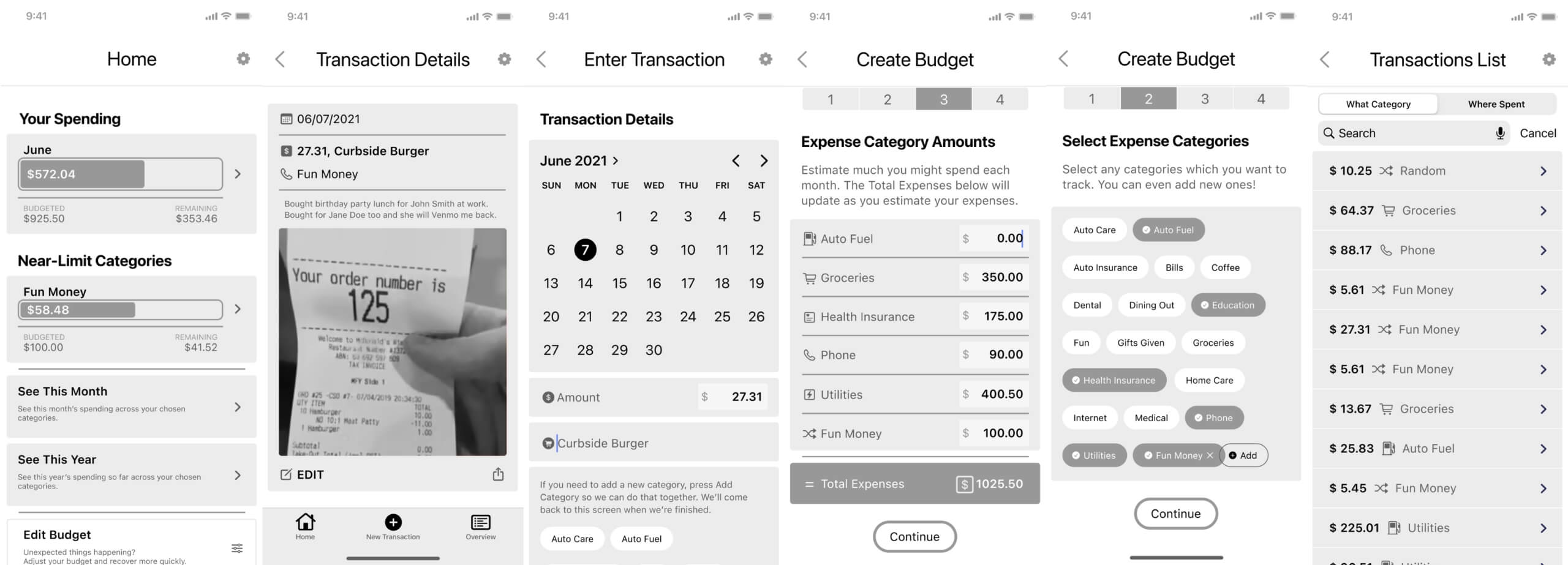
First I drew many hand sketches to capture my initial design ideas using the Crazy 8s method. The best ideas from my initial design concepts were translated into digital wireframes in Figma.
5 — Usability Testing
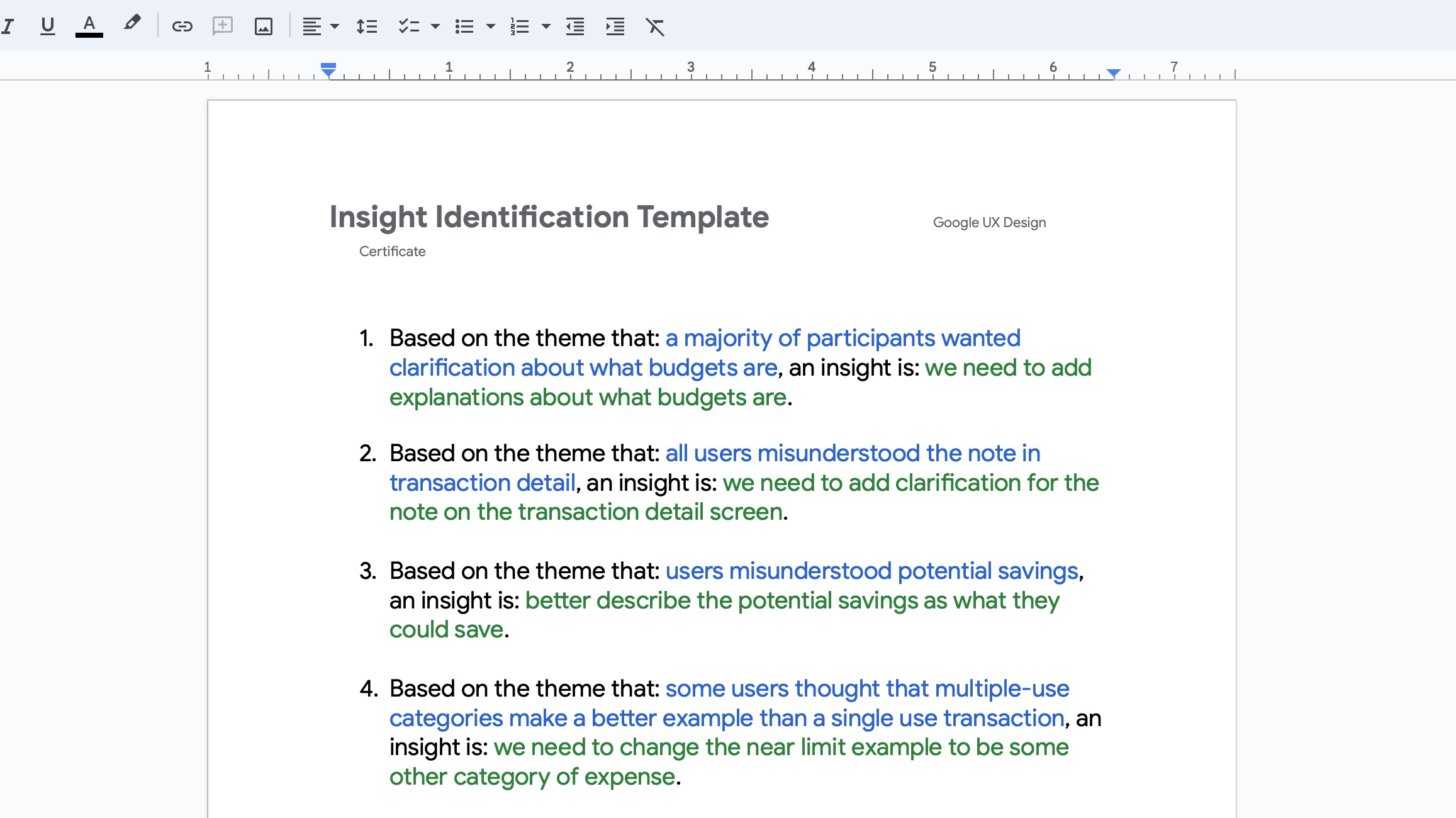
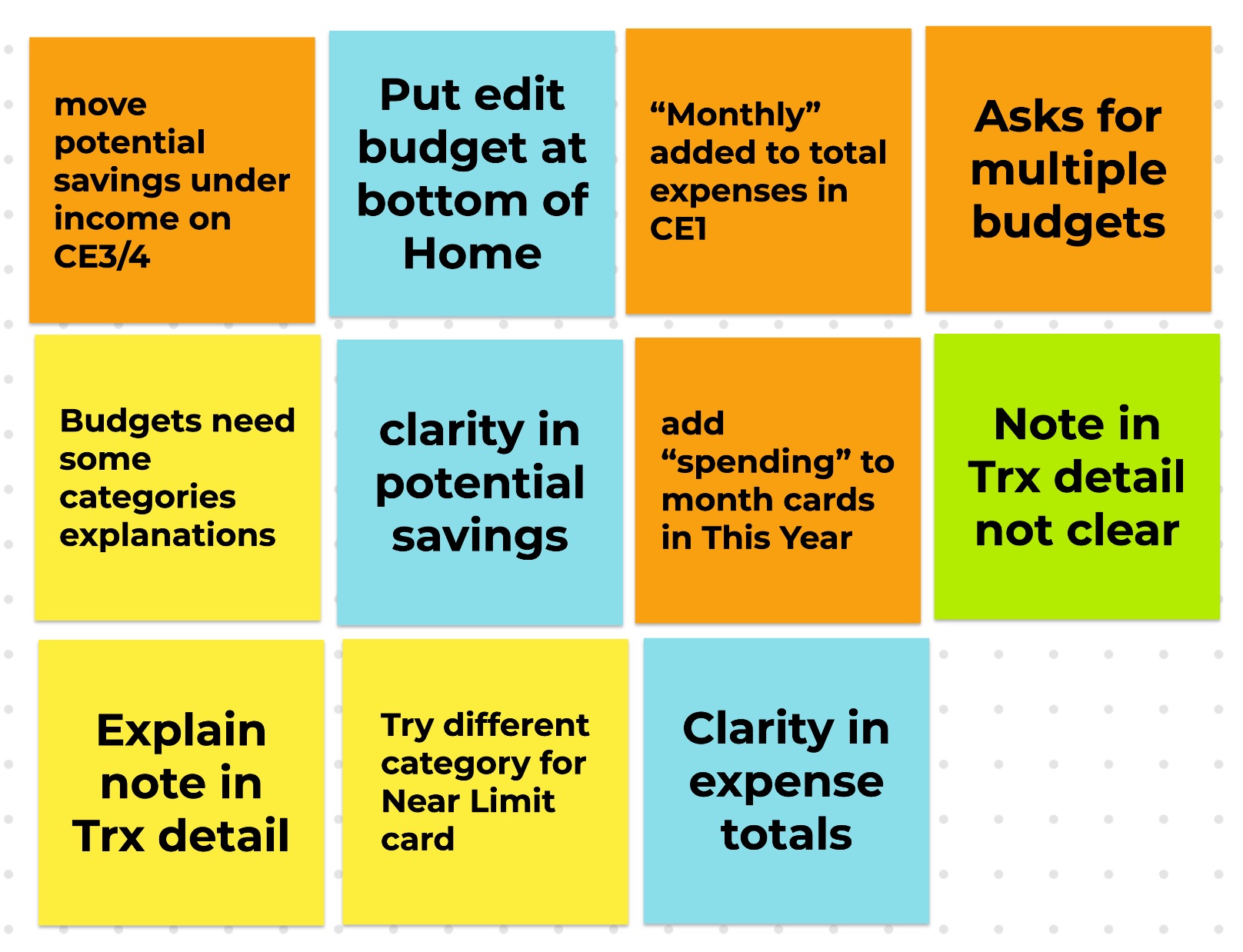
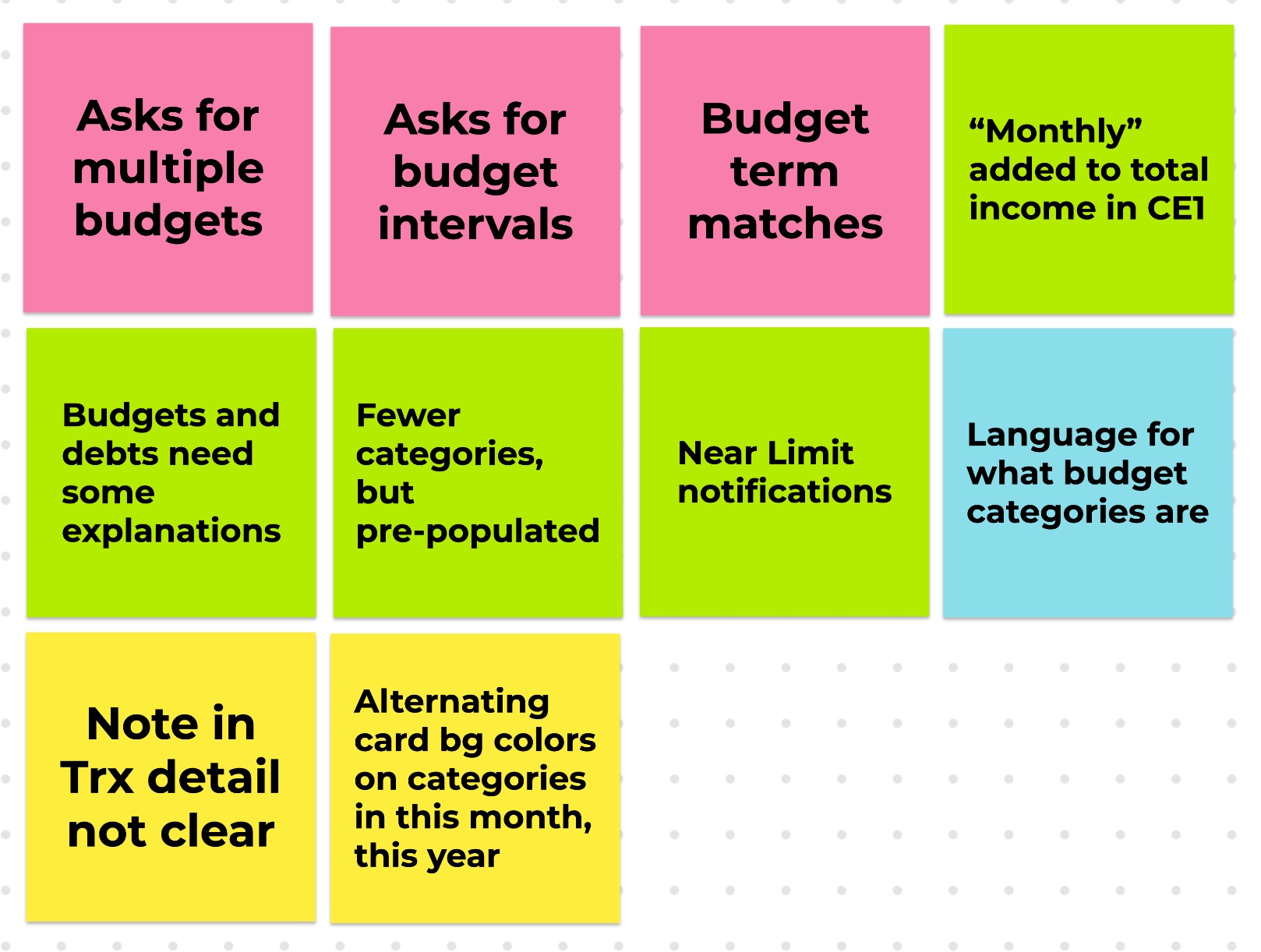
Participants reviewed the digital wireframes and answered questions about navigation and budget concepts. Their feedback was recorded in a spreadsheet for each participant. The responses were transformed into affinity groups to find themes.
6 — Conclusion
The budget app design is neutral. I decided not to make it fun or serious because the apps tried by my participants fell into one or the other style and it didn't help them. The app has light and dark modes which are warm and approachable.


